Ask your book
about anything.

Highlight a quote, tap “Ask in PocketGPT” and get an answer in your language. Built for your e-reader’s limited browser.
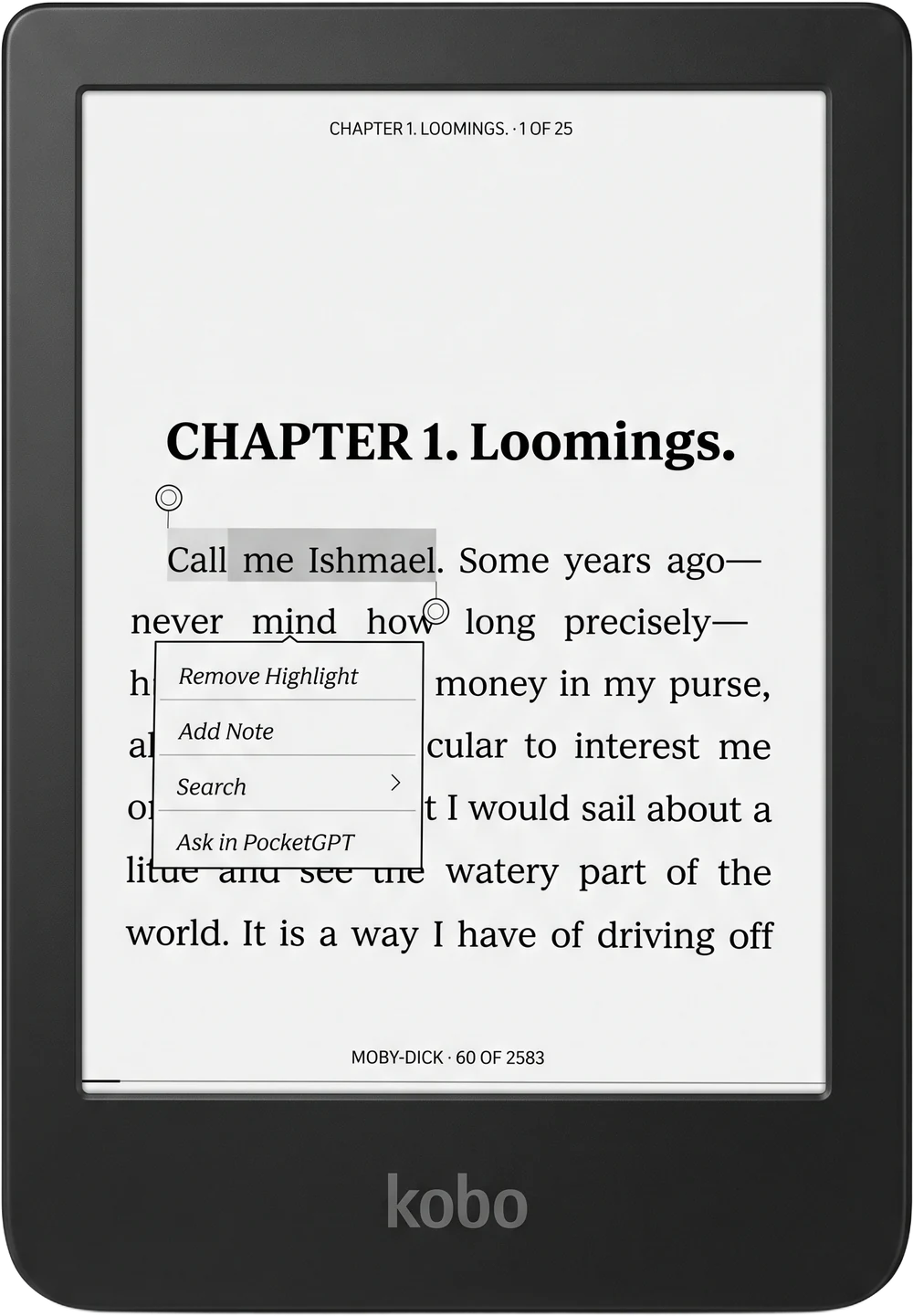
Kobo with “Moby Dick” open: the quote “Call me Ishmael” is highlighted and the menu shows “Ask in PocketGPT”
1Highlight
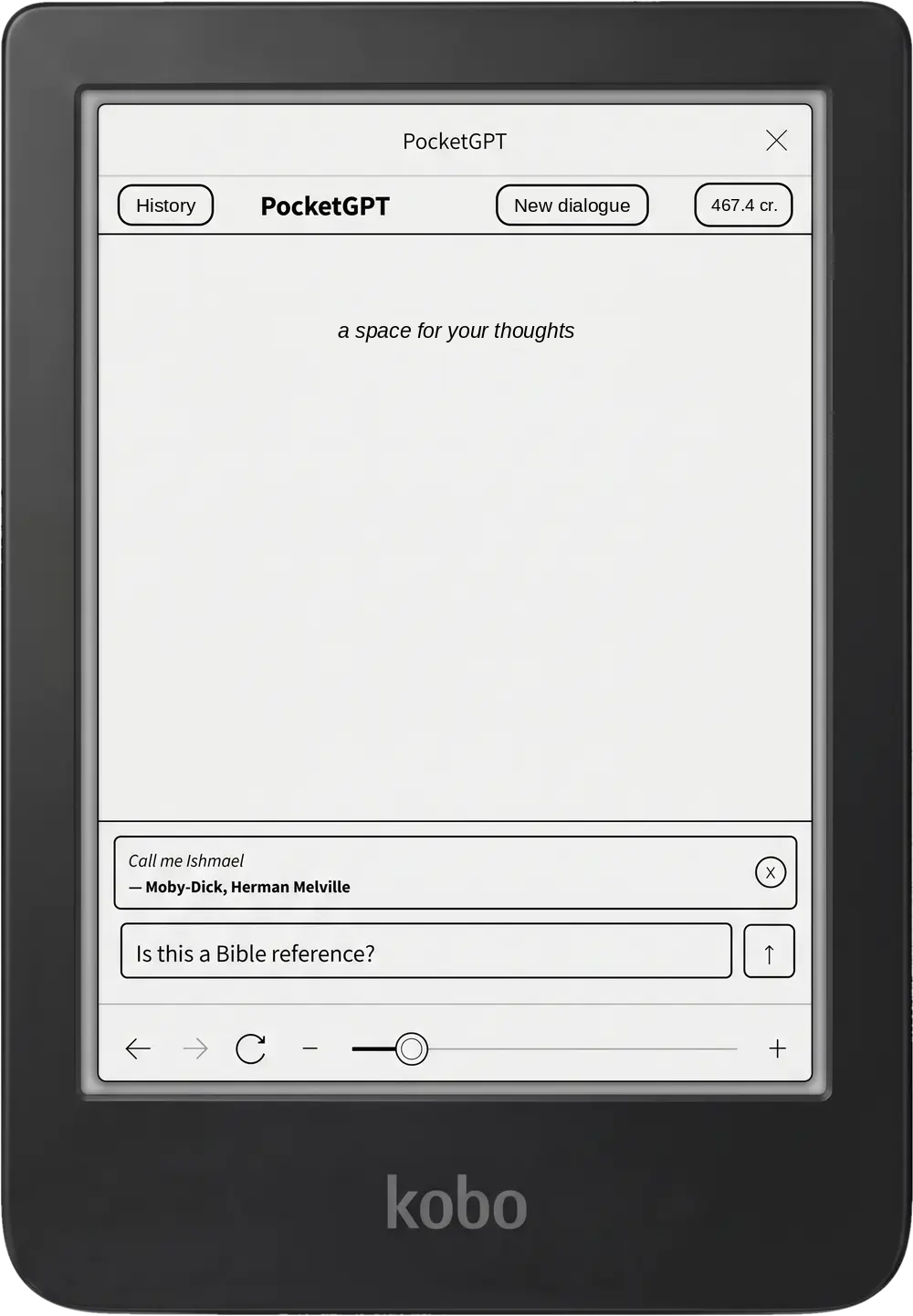
2Ask
PocketGPT page: the quote “Call me Ishmael” from Moby-Dick and a question field
3Read
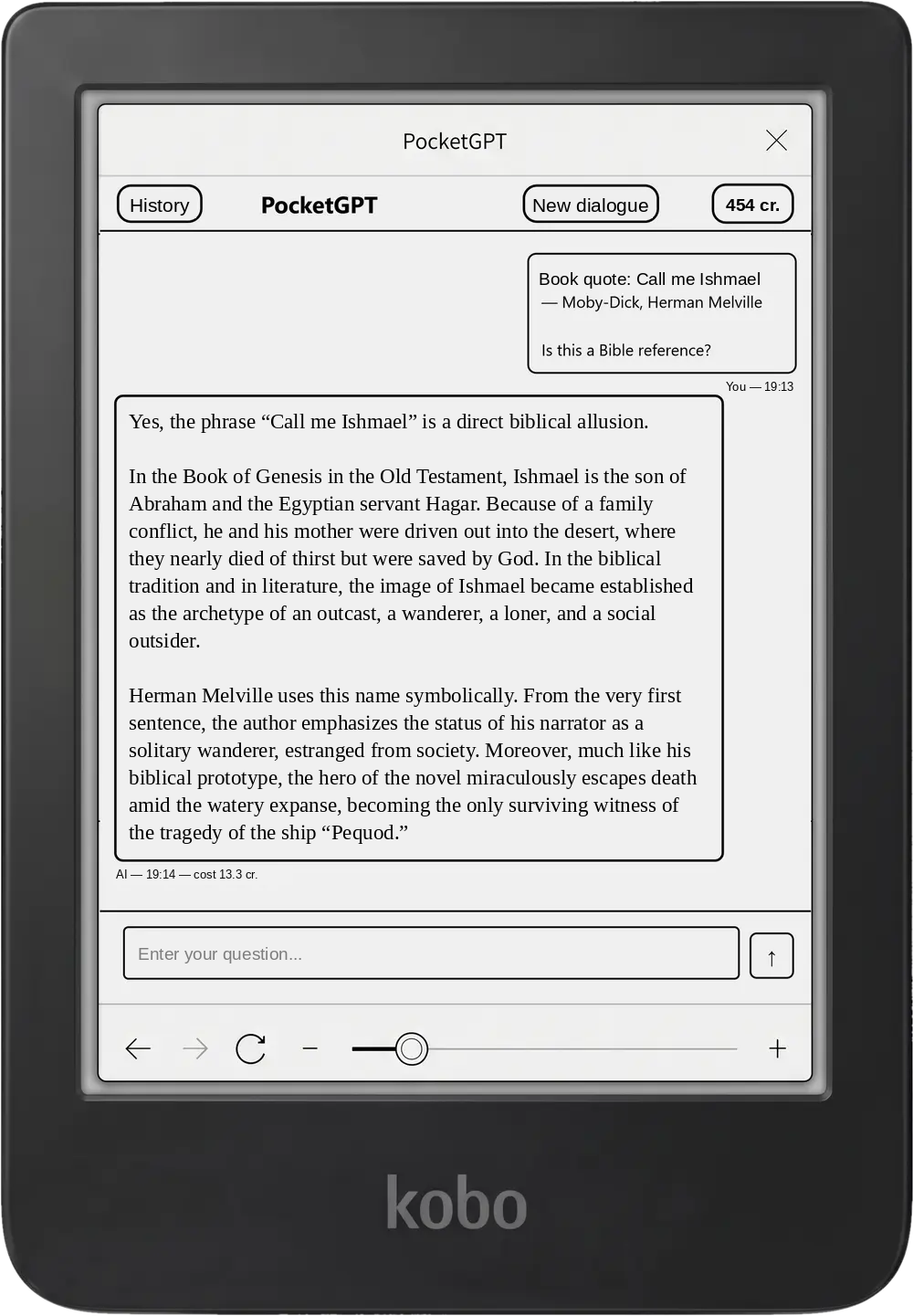
PocketGPT answer in English: “Call me Ishmael” — a biblical allusion to Ishmael

Three taps from question to answer

  1. HighlightMark any quote while reading — as usual.
  2. AskTap “Ask in PocketGPT”. The quote, book title and author open on a lightweight page.
  3. ReadType a question or pick a preset with one tap. When needed, the AI searches the web on its own, so your reader isn’t strained.

Built for e-ink

High contrast, large buttons and no heavy scripts. The page stays fast even in the slowest browsers.

Quick questions

Save your favourite queries and send them with a single tap — no typing.

Many languages

Ask and read answers in English, Ukrainian, German, Polish and other languages.

Web search — off your reader

If the book isn’t enough, the AI carefully searches the web and sends back only the result.

Works with your reader

Kobo

One-tap install from your account or manual setup. Choose your model from the list of supported ones.
KOReader

Plugin for Kobo, Kindle, PocketBook, Android and other readers running KOReader.

Other readers

Open PocketGPT in your reader’s browser and make it the start page.

Check if it works

Two plans to choose from

Standard

$3.99per month

First week — free

Try for free
  • 500 credits per month
  • about 100 questions
  • 1 device

Plus

$7.99per month

Get started
  • 1250 credits per month
  • about 250 questions
  • up to 3 devices

Cancel anytime.